Management OS and Salesloft: the revenue system, and the leader's week around it.
Salesloft runs your team's revenue system, from cadences and calls to the forecast, coaching signals and structured 1:1s. Management OS works for the leader carrying the number: what to say to each rep and why, what to commit on the forecast call, and where your own week should go.
One $240K deal, two screens. The dashboard shows the risk and stops; the brief checks the evidence, names the gap and hands you the move. Watch on YouTube (opens in a new tab)
Salesloft calls itself a Predictive Revenue System: one platform where account teams engage buyers, record calls and work deals, and executives and RevOps run the forecast, inspect the pipeline and run their recurring revenue meetings.
One platform, every revenue role
Account teams engage buyers with Cadence, turn calls into insight with Conversation Intelligence, and keep deals moving. Executives and RevOps forecast, inspect the pipeline and read analytics, all on the same data and AI.
A forecast built to act on
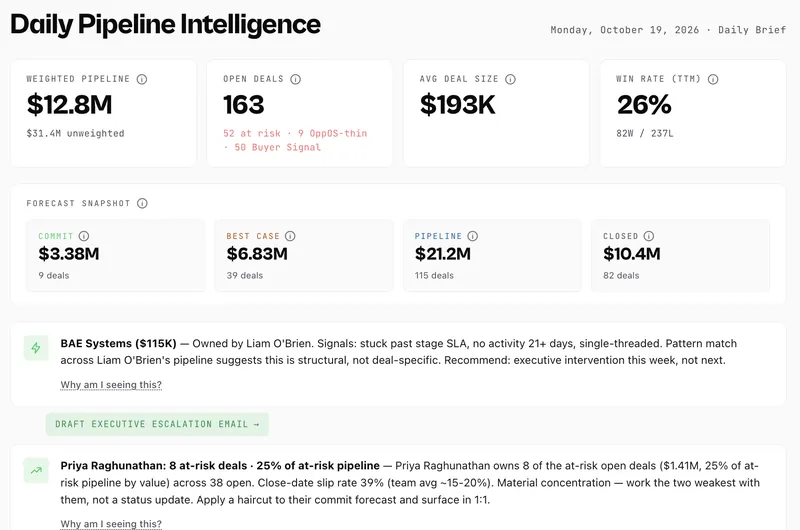
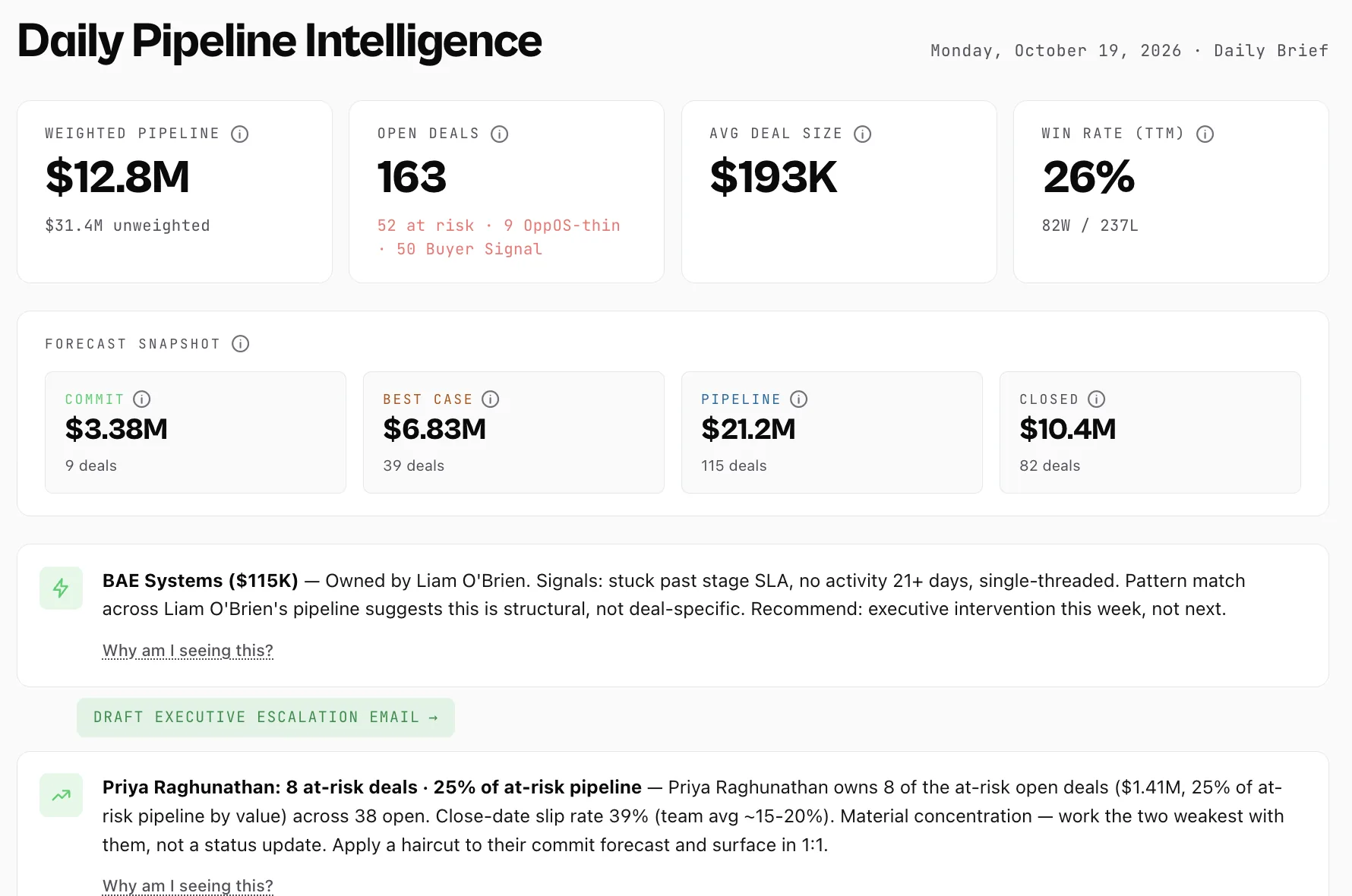
An AI Forecast Agent reads historical deal data and live rep activity. It shows which deals are at risk, helps create action plans and triggers next best actions in the seller workflow.
Revenue meetings on rails
Revenue Cadences structures pipeline reviews, forecast calls, QBRs and 1:1s from live data, with deal risk surfaced inside each one.
From salesloft.com and its product pages, read 3 November 2026. Salesloft says 4,000+ sales teams hit their number with it.
Feature by feature
How do Management OS and Salesloft compare?
Salesloft runs the revenue team's system: engagement, calls, deals and the forecast, with deals at risk flagged, next best actions triggered for sellers, reps flagged for coaching, and pipeline reviews, forecast calls and 1:1s structured from live data. Management OS works on the leader's week inside it: what to say to each rep in the 1:1 and why, which commits to defend on the forecast call, and where your own hours go.
The rows where the two differ, including the 1:1s and your own week. Salesloft's column comes from its own public pages.
Feature
Salesloft
Management OS
Forecast
An AI Forecast Agent reads historical deal data and live rep activity to surface a call number, flags the deals at risk and triggers next best actions for sellers
A forecast snapshot by category in the daily brief, and Forecast Call Prep on Sunday at 9pm: what to commit, what to defend, what to walk back and what not to discuss
Coaching
Coachable moments from calls become rep tasks, and reps get real-time AI guidance and battlecards on calls. An agent flags reps with low win rates and objections for managers to coach, and a Sales Strategist agent gives sellers and managers coaching recommendations from winning behaviors
Who needs coaching this week and why, from the evidence on their deals, the likely cause, and the words to use in the 1:1
1:1s and revenue meetings
Revenue Cadences runs pipeline reviews, forecast calls, QBRs and 1:1s on a recurring schedule, with live dashboards, agendas carried forward and deal risk surfaced in each, so managers coach with context
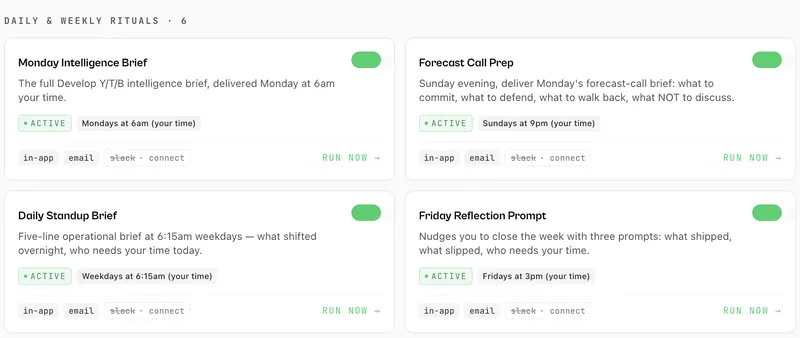
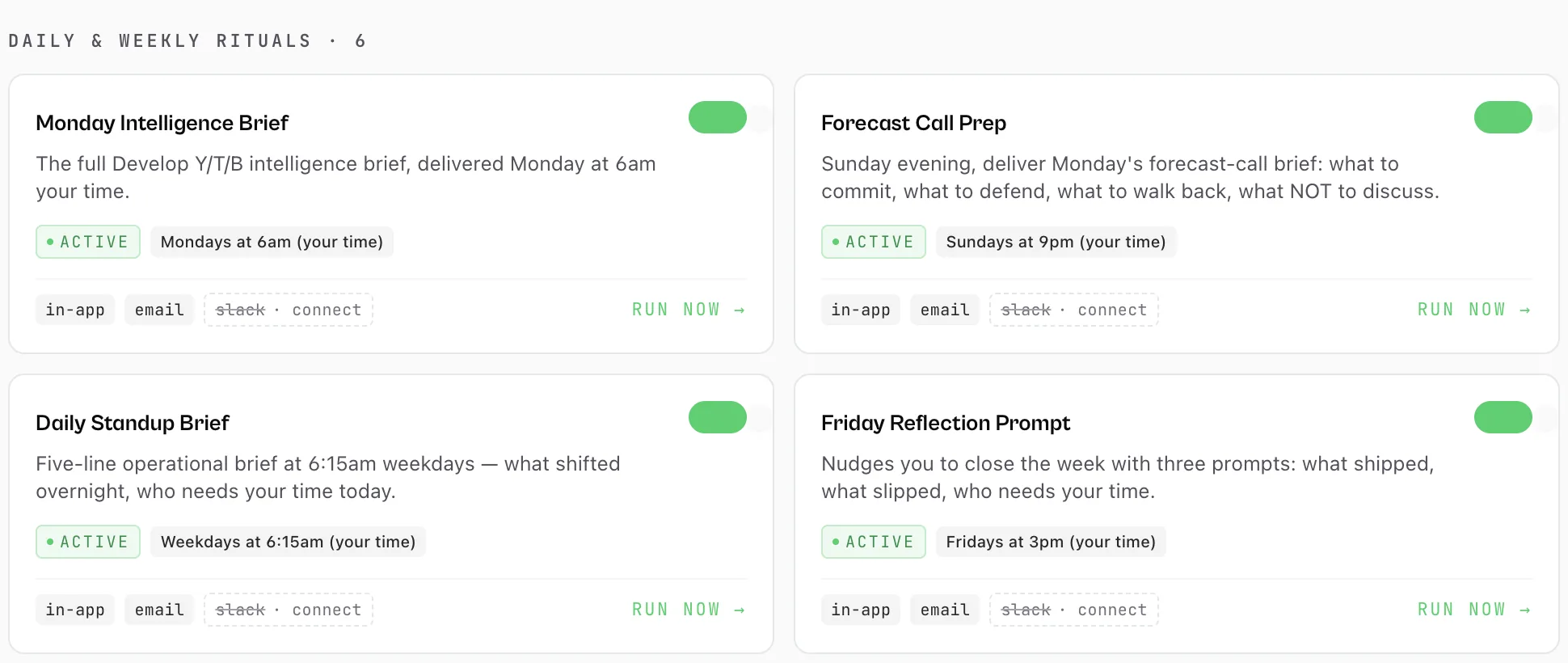
A prep brief 30 minutes before every 1:1, and a nudge when a direct report goes 14 days without one
What it hands the leader
For the CRO: an AI forecast summary, a human-versus-AI projection to review and a deal-risk play to trigger. For managers: stalled deals to act on, deal summaries and reps flagged for coaching
Your move, with the email or the 1:1 outline drafted. You decide what goes out.
Your own week
Managers work a prioritized list of assigned actions, and the CRO gets a human-versus-AI projection to review and a deal-risk play to trigger. Where a leader's own hours go is not described on the pages we read
Where your hours went against the target for your role, and the decisions waiting on you
Getting started
A self-guided 10-minute platform tour, no signup needed. To buy, talk to sales: an intro call, then a tailored walkthrough
Connect your CRM in about 5 minutes. Your first brief lands in about 15 minutes. A leader can start alone on a 30-day trial.
Pricing
Not published: salesloft.com/pricing opens its Talk to Sales page
Published packages, priced by the people you manage, from $1,000 a month billed yearly
8 more rows: built for, works from, pipeline inspection, meeting prep, how you check it, engagement, training on your data, where you use it
Where the two are closer. Salesloft's column comes from its own public pages.
Feature
Salesloft
Management OS
Built for
Every revenue role, from front-line seller to the CRO: account teams, managers, revenue leaders and RevOps
The leader carrying the number, from a founder to a CRO, and the managers, reps and customer success managers they lead
Works from
Revenue signals across the stack, through a unified revenue data layer
Your CRM or a spreadsheet, your calendar and email, and recorded calls, through 52 integrations
Pipeline inspection
Inspect: every rep, every deal, every risk, validated by AI, with an agent that pulls call details into frameworks like MEDDPICC
Each deal checked on 15 things a buyer must confirm (the pain, who signs, the deadline), with the next move
Meeting prep
Agents that keep meeting prep updated and generate prep notes from past activity
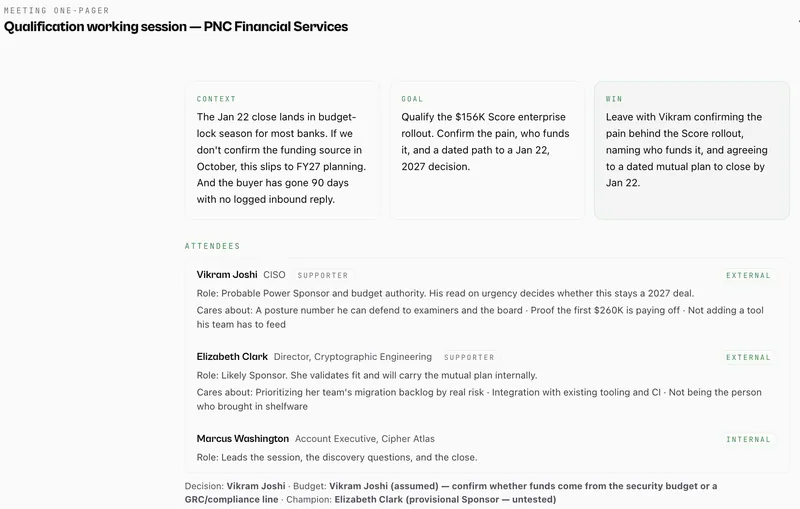
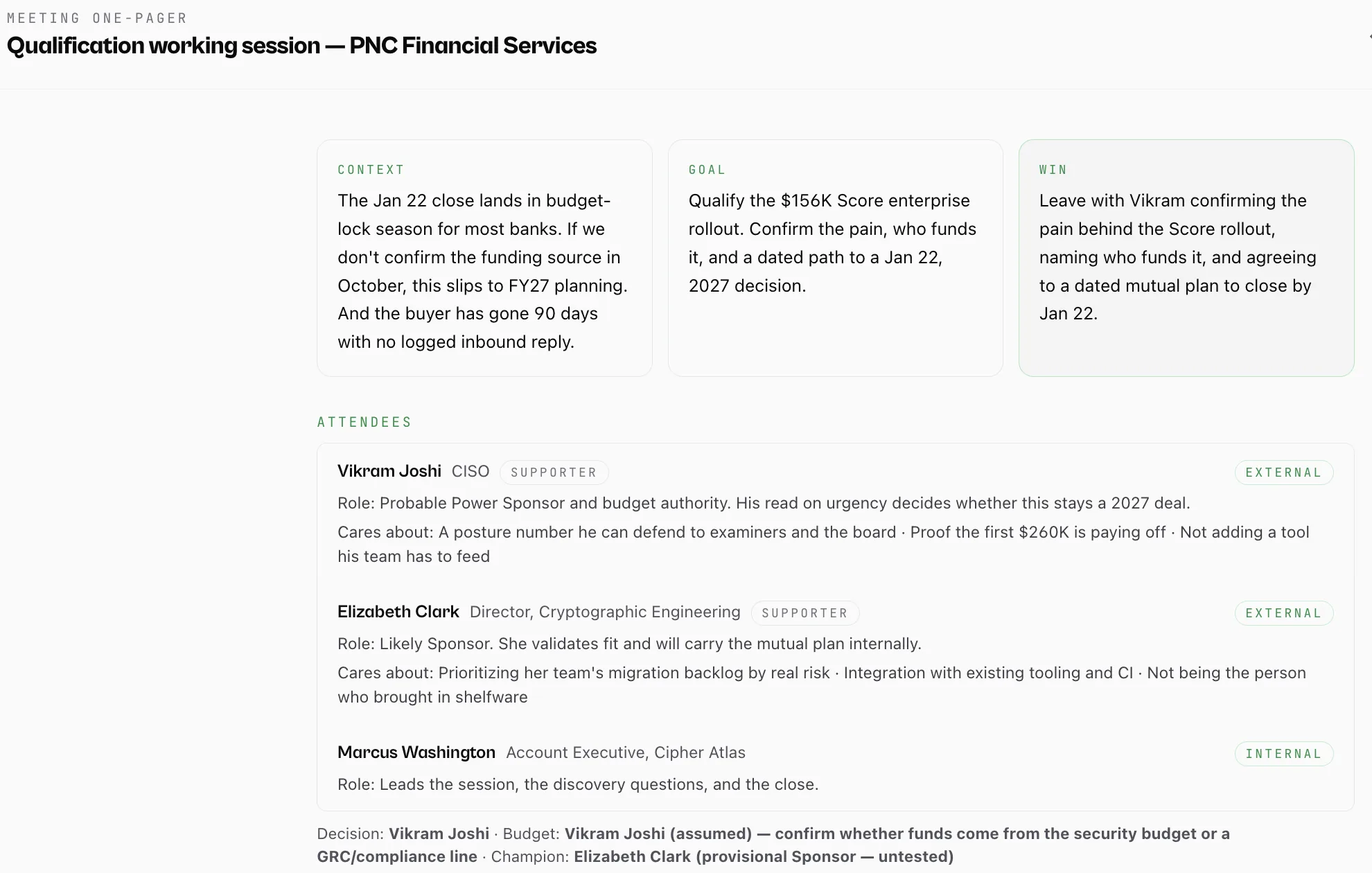
A one-pager before each meeting: context, goal, what a win looks like, and every attendee's likely buying role
How you check it
Inspect validates every deal against actual activity, engagement and stage progression, and the CRO reviews a human-versus-AI projection
Every item carries “Why am I seeing this?”, which explains the signal behind it
Engagement
Cadence engages buyers at scale, and Rhythm prioritizes each seller's day
Not an engagement tool. It reads the activity your team logs in the CRM.
Training on your data
Private AI models trained on your own historical deal data; your data is never used to train models for other customers
We do not use Customer Data, prompts, or AI Output to train, fine-tune, or improve any AI model, including our own.
Where you use it
Salesloft's platform, its mobile app and its AI agents, and any AI app that supports MCP, such as Claude, ChatGPT and Copilot
The Management OS app, email, Slack and WhatsApp, and inside Claude, ChatGPT, Grok and Gemini
A one-pager for a qualification session on a deal that could slip a fiscal year: the context, the goal, what a win looks like, and who is in the room.
Meetings · One-pager
Enlarge
Live product
Every screen here is the live product, on our demo workspace, Cipher Atlas. Its CRM uses real company names as accounts; none of those companies is a Management OS customer.
Side by side
Can you run Management OS and Salesloft together?
Yes, side by side. Management OS doesn't connect to Salesloft today. It reads the CRM, calendar, email and recorded calls your team already has, so it runs next to Salesloft without moving anything. Salesloft stays where your team works deals and calls the number. Management OS prepares your week around it.
Keep Salesloft as your team's system
Nothing to configure in Salesloft, and nothing changes in your CRM.
Connect your CRM
Read-only, in about 5 minutes.
Read Sunday's prep
Forecast Call Prep lands Sunday at 9pm: what to commit, what to defend, what to walk back.
If you need one platform for the whole revenue team (engagement, calls, the forecast and structured revenue meetings), Salesloft. If you need the leader's week around it (who to coach and why, the prep and your own hours), Management OS. They run side by side.
When Salesloft fits
Choose Salesloft
Salesloft fits a company that wants one platform for the whole revenue team at enterprise scale: engagement, conversation intelligence, deals, the forecast and structured revenue meetings.
When Management OS fits
Choose Management OS
Management OS fits the leader who needs the week around the number: who to coach and why, the prep for each 1:1 and the forecast call, and their own hours.
Or run them side by side. Salesloft for the system your team works in, Management OS for the leader's week around it.
The method came first. The software runs it every week.
The sales management operating system built for leaders and used by their teams: insights, coaching and actions to develop yourself, your team and your business. Jason Mesiarik spent twenty years leading revenue teams and training the people who run them; Management OS runs the operating rhythm he used, on your own data, every week.
Results Jason led as an operator, using the method Management OS now runs. They are his results, not Management OS customer results.
Read-only to your CRM. Management OS never creates, changes or deletes a CRM record. No training on customer data. Trust & Security · Sub-processors · DPA
Questions
Questions about Management OS and Salesloft
Do I need Management OS if I run Salesloft?
They do different jobs. Salesloft is where your team engages buyers, records calls, works deals and runs the forecast; its agents flag reps for coaching, and its Revenue Cadences structure pipeline reviews, forecast calls and 1:1s. Management OS works on the leader's week: what to say to each rep and why, the forecast-call prep, and where your own hours go.
Will Management OS change the number Salesloft shows my CFO?
No. Management OS reads your CRM and never writes to it, so the CRM records Salesloft forecasts from are untouched.
Does Management OS connect to Salesloft?
Not today. It reads the CRM, calendar, email and recorded calls your team already has, so it runs alongside Salesloft without anything moving.
How much does Management OS cost?
Packages are published and priced by the people you manage: $12,000 a year for a leader and up to 3 people, $18,000 for up to 5, and $30,000 for an executive and up to 10 people across managers and reps. Paying monthly costs more. The first 30 days are free. Card required. Cancel before day 30 and pay nothing.
Does Management OS change records in my CRM?
No. Read-only to your CRM. Management OS never creates, changes or deletes a CRM record.
Is my data used to train AI models?
No. We do not use Customer Data, prompts, or AI Output to train, fine-tune, or improve any AI model, including our own.
On day 30 the trial becomes the package and billing you chose at sign-up, unless you cancel: from $1,000 a month billed yearly, or $1,250 billed monthly. See every package.